Current position
Position, fix time and connection status are shown separately.
Follow current positions, explore route history and spot stale data. Connect a phone or compatible GPS tracker.
A device is connected when its first position arrives, rather than when its record is created.
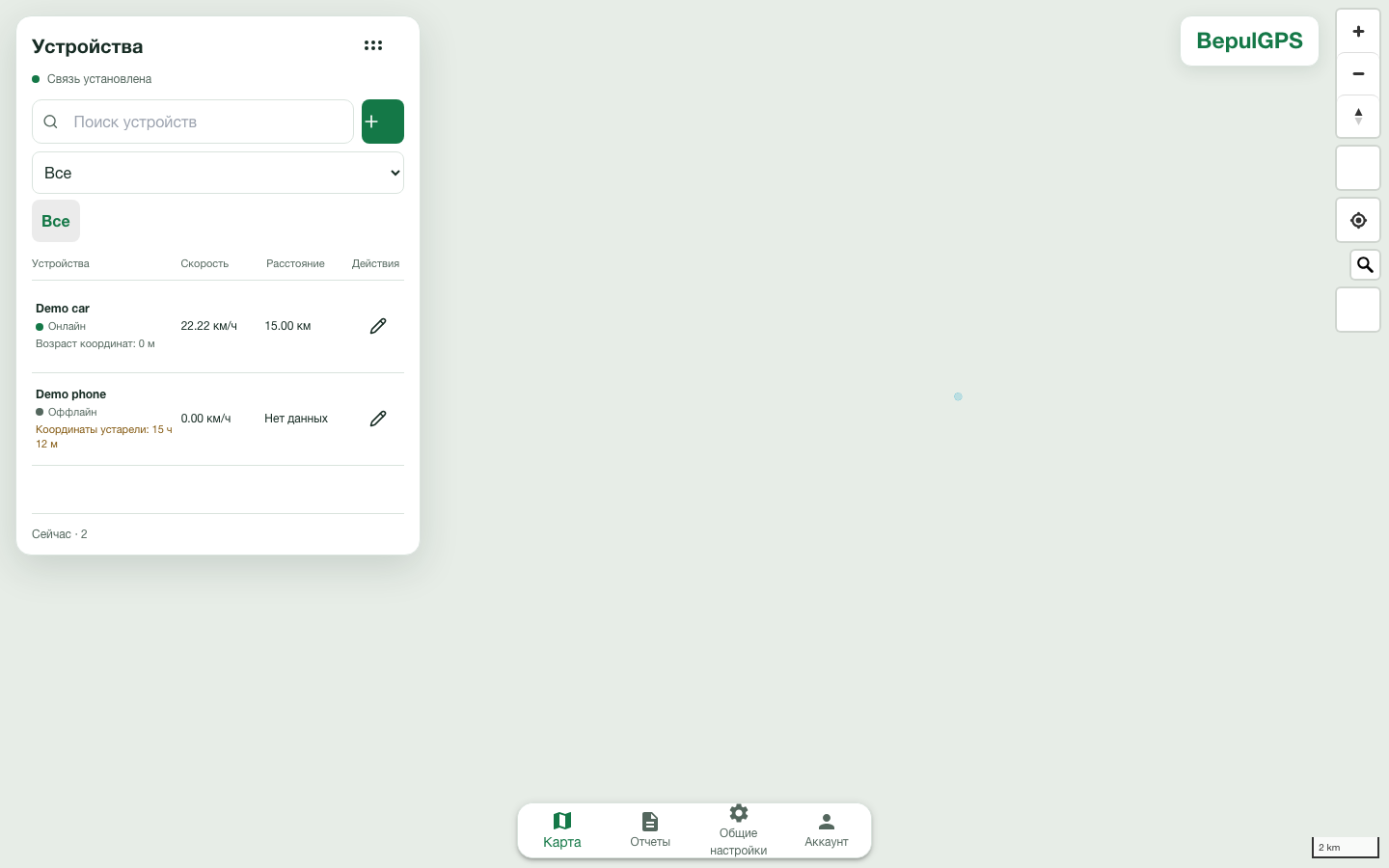
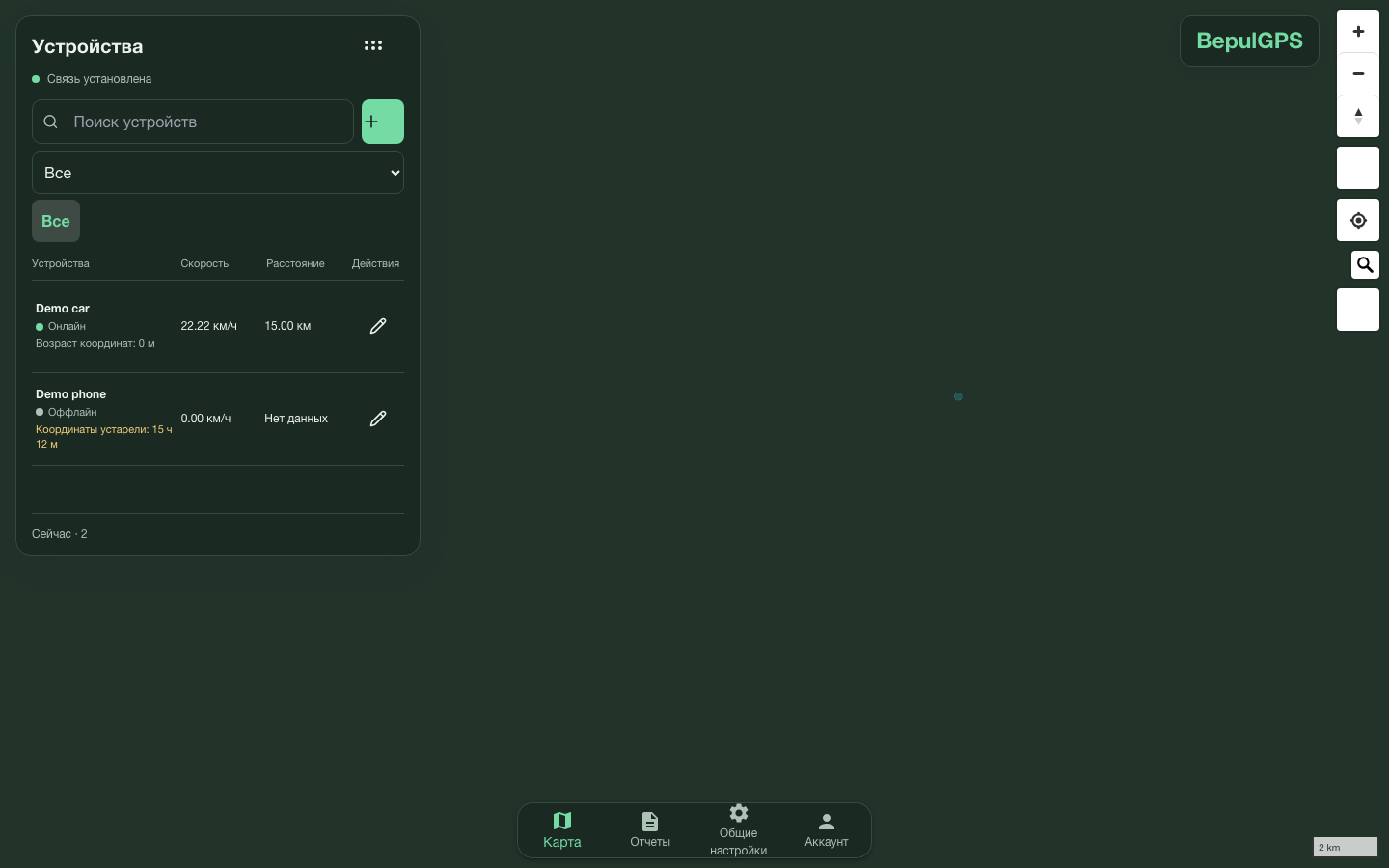
Position, fix time and connection status are shown separately.
Choose a period, load history in parts and replay movement.
Use existing geofences and notifications for your devices.
You need an app that sends positions and location permission.
Open instructions →Find the model and confirm server settings for its protocol.
Tracker catalog →Create an account and add the device with its identifier.
Configure position sending on the phone or tracker.
Check the first position and its update time in the workspace.
Tell us about your device and task. Your request reaches the team through Navoiyazot ERP.
Your name, phone and message are sent to handle your request. Do not include passwords or access codes.